
Choosing Documentation Tools for Your Childcare Service: A Blended Approach?
A practical guide to choosing documentation tools for Australian ECEC services: what you actually need to document, what assessors look for, and how paper diaries, documentation apps and admin software compare.

If you search for the best tools for managing childcare compliance documentation in Australia, you will mostly find lists of software. Software is part of the answer, but it is not the whole answer, and for plenty of services it is not even the main one. This guide covers what your service actually needs to document, the three kinds of tools that do the job, and how to choose the mix that suits your team.
What does a childcare service actually need to document?
Strip away the noise and Australian ECEC documentation comes down to a few core jobs:
- Programming and planning: a program that shows the cycle of planning, observe, plan, implement, reflect, linked to your approved learning framework (EYLF v2.0, MTOP v2.0, or the QKLG for Queensland kindergartens).
- Evidence of learning: observations, children's voices, learning stories and reflections that show how children are progressing toward the learning outcomes.
- Critical reflection: the thinking behind your decisions, not just a record of what happened.
- Operational records: attendance, incidents, medication, sleep checks, staffing, and the other records the National Regulations require.
- Quality improvement: your QIP or self-assessment, kept current rather than rebuilt in a panic.
Every tool you consider should earn its place against that list. If it does not help one of those jobs, it is adding work, not value.
The three kinds of documentation tools
1. Admin and CCS software
Enrolments, bookings, Child Care Subsidy processing, invoicing and rosters. Most services need something in this category, and it is where software genuinely shines: high-volume, repetitive records with strict formats. What this category does not do well is the thinking work: programming, reflection and the professional judgement that sits behind QA1.
2. Documentation and observation apps
Apps built for photo observations and family communication. They are quick to share moments with families, and some teams love them. Their common trap is volume: because capturing is easy, services end up with hundreds of photos standing in for a smaller number of meaningful observations, and the cycle of planning gets buried under content. It is also important to consider changes to child safety regulations around images of children and technology. If you use one, decide what a meaningful observation looks like first, and let the app serve that standard.
3. Printed Diaries and books
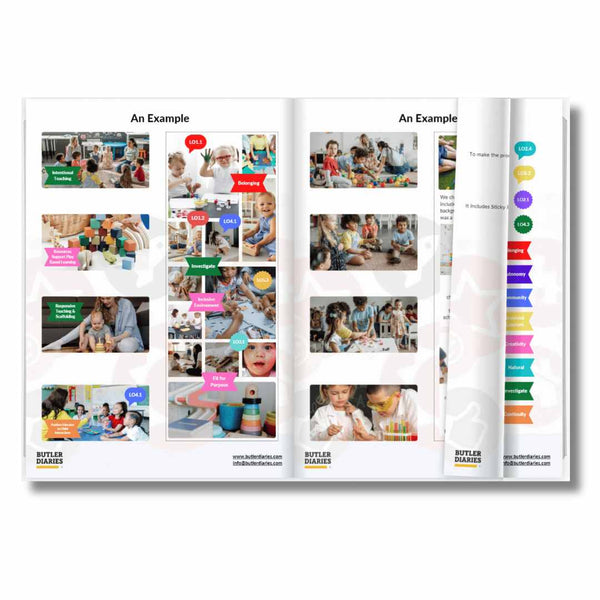
Purpose-built paper tools: programming and reflection Diaries, role-specific Diaries for educational leaders, directors, cooks and family day care educators, duplicate compliance books, and log books. Paper is fast to use in the moment, needs no login, no training and no subscription, and it puts the whole cycle of planning on one open page. Its limit is the flipside of its strength: it does not sync, back up or generate reports.
Does documentation have to be digital to pass Assessment and Rating?
No. The learning frameworks and the National Quality Standard do not prescribe a format. Assessors are looking for evidence of the cycle of planning, of children's learning, and of critical reflection. Whether that evidence lives in an app or in a well-kept Diary is your service's choice. A handwritten program that clearly shows observe, plan, implement and reflect is stronger evidence than a polished app timeline that never closes the loop. We have written before about why handwritten reflection still matters: writing by hand slows thinking down just enough for reflection to actually happen.
Six questions to choose your mix
- Where does your team actually write? Tools only work if they are within arm's reach at the moment something worth recording happens. A Diary on the room bench beats an app nobody opens until Friday.
- What would you show an assessor tomorrow? Walk your service and check: can you put your hand on the program, this month's reflections, and your incident records inside two minutes each?
- What is the true cost? Software is a per-educator, per-month cost forever. Paper is a known cost once a year. Most services land on a hybrid: software for admin and CCS, paper for programming and reflection.
- How much training can you afford? Every new platform is onboarding time for every educator, including each new casual. A Diary explains itself.
- Does it reduce documentation, or multiply it? The goal is documenting less, better. If a tool tempts your team to record more things with less thought, it is working against you at Assessment and Rating, not for you.
- How does it fix within your centre's context? Some families may expect constant updates with apps, others believe in no technology, while some don't have time to review the apps and prefer a conversation with their child by the open program on pick up. Consider your context and benefits of each approach, these digital vs paper reflections are a good starting point.
Where Butler Diaries fits
We make the paper side of that hybrid: programming and reflection diaries built on the Butler Method (write the experience in its box, tick the outcome, reflect, and next week's program practically writes itself), role-specific diaries for educators, leaders, directors and cooks, and duplicate books for records that need to live in two places. Designed in Australia since 2013, aligned with EYLF v2.0, MTOP v2.0, VEYLDF, WAKCG, and the QKLG, and used by services who tell us the same thing every year: about ten minutes a day is enough.
Frequently asked questions
Can a service use only paper documentation?
For programming, reflection and many operational records, yes. In practice most services also run software for CCS and enrolments, which is the sensible split: software for administration, paper for pedagogy.
Do assessors prefer digital documentation?
Assessors assess evidence, not formats. Clear, current, connected documentation wins in any medium; scattered documentation loses in any medium.
What is the biggest documentation mistake services make?
Over-documenting. Recording everything is not evidence of quality; it is evidence of anxiety, and it buries the meaningful work assessors actually want to see.
How do I move my team from an app back to paper, or add paper alongside?
Start with one room and one Diary for a term, keep the app for family communication if you like it, and compare the quality of reflection at the end. That comparison usually makes the decision for you.
Related Articles